


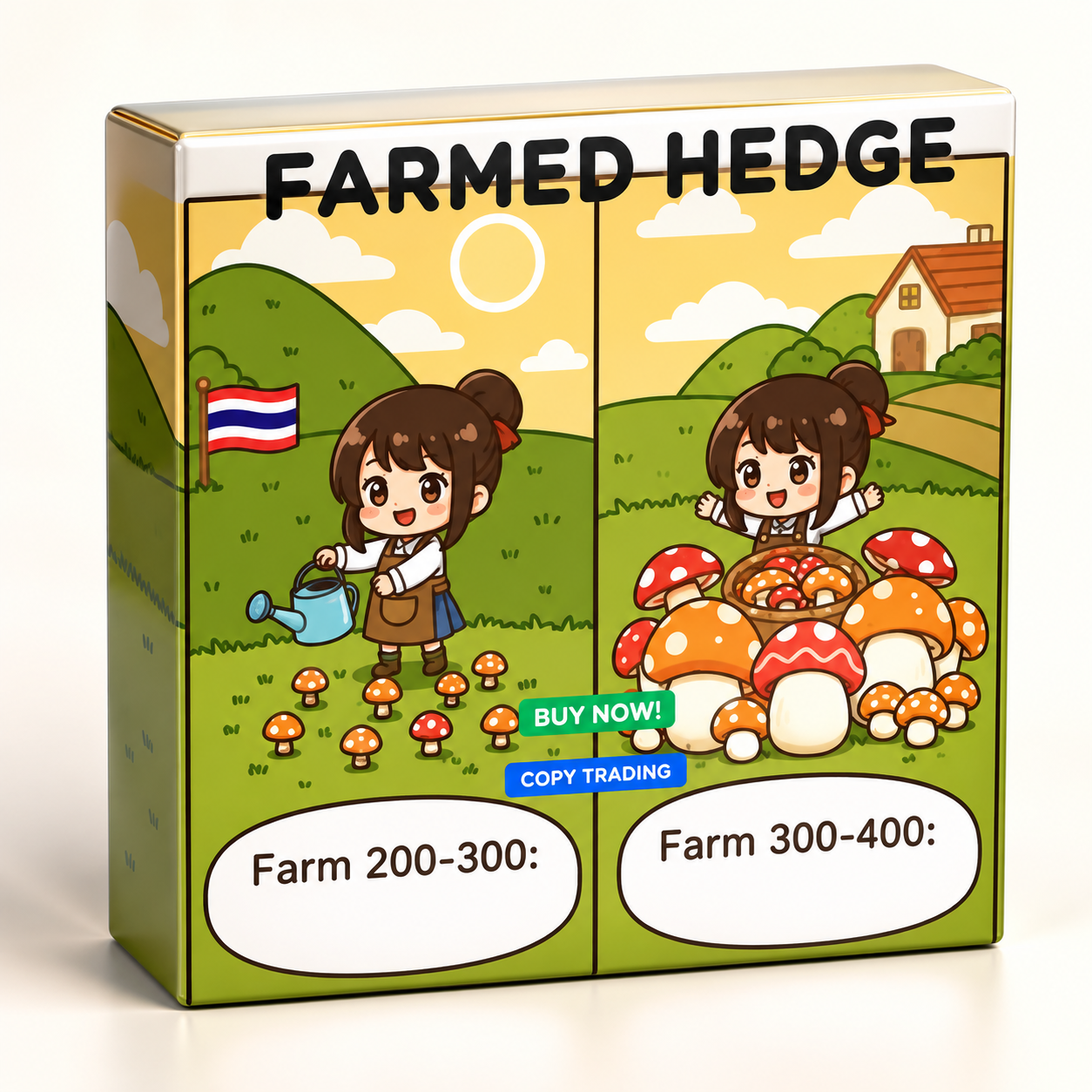
FarmedHedge Pair Trading Dashboard V5.3 Manual EA MT5 No DLL
$459.00 Original price was: $459.00.$25.00Current price is: $25.00.
Product Detail
🔹 Timeframe: H1/H4
🔹 Minimum Deposit: $1000
🔹 Pairs: Forex , Crypto , Stocks ,Commodities ,Indices
📦 Instant Download Includes
• ✔️ FarmedHedge Pair Trading Dashboard V5.3 (.ex5)
Live Signal: https://www.mql5.com/en/signals/2357156
https://www.mql5.com/en/signals/2356404
https://www.mql5.com/en/signals/2356376#!tab=history
Payment Methods:

Description
FarmedHedge Pair Trading Dashboard – Multi-Asset Hybrid Trading EA
A Flexible Trading Utility for Manual, Hybrid, and Automated Trading
FarmedHedge Pair Trading Dashboard is a powerful hybrid trading utility designed for traders who want greater flexibility, real-time market analysis, and customizable trade management. Combining manual trading controls with optional automated execution, FarmedHedge helps traders identify potential trading opportunities using Sync Rate (SR) analysis and the built-in Farm Index (FI) mean-reversion tool.
Whether you prefer full manual control, automated trade management, or a combination of both, FarmedHedge offers multiple trading modes to suit your strategy.
Important: FarmedHedge is a manual-focused trading utility, not a fully automated, set-and-forget Expert Advisor. Its signal results may include manual trades and overall strategic management. Automated trading is available as an optional feature.
Key Features
1. Multi-Asset Trading Support
Trade a wide range of instruments available through your broker, including:
- Forex: Major, minor, and exotic currency pairs
- Cryptocurrencies: BTC, ETH, XRP, SOL, BNB, and other supported symbols
- Stocks: Apple, Tesla, Amazon, Google, and other available instruments
- Commodities: Gold, silver, oil, and natural gas
- Indices: US30, NAS100, SPX500, DAX40, and more
- CFDs: Other instruments offered by your broker
Available instruments depend on your broker, account type, and trading platform.
2. Three Flexible Trading Modes
Choose the trading mode that matches your preferred level of control.
Manual Mode
- Open and close trades directly from the dashboard.
- Maintain full control over trade execution.
- Monitor trading signals and open positions in real time.
Hybrid Mode
- Manually select and open trading opportunities.
- Use automated take-profit and stop-loss management.
- Combine personal decision-making with automated trade management.
Full Auto Mode
- Automatically open trades when configured Farm Index conditions are met.
- Apply automated take-profit and stop-loss rules.
- Manage positions according to your configured risk parameters.
3. Interactive Trading Dashboard
Monitor and manage your trading activity from a centralized dashboard.
- View currency pair and instrument combinations in real time.
- Open and close positions with one click.
- Track live profit and loss (P/L) for open positions.
- Search and filter instruments quickly.
- Sort opportunities using Sync Rate (SR) and Farm Index (FI).
- Access important trading information from a single interface.
4. Farm Index (FI) Analysis
FarmedHedge Pair Trading Dashboard includes a built-in Farm Index analysis tool designed to help identify potential mean-reversion opportunities between related instruments.
The system uses FI values to highlight potential entry and exit conditions.
- FI above +200: Potential short signal for Pair 1 relative to Pair 2.
- FI below -200: Potential long signal for Pair 1 relative to Pair 2.
- FI returning toward zero: May indicate a potential opportunity to close positions.
Users can configure entry and exit thresholds according to their trading strategy.
Farm Index signals are analytical indicators, not guarantees of price reversal or profit.
5. Sync Rate (SR) Analysis
Sync Rate helps evaluate the relationship between instrument combinations and filter potential trading opportunities.
Key capabilities include:
- Scan available instruments for potential pair combinations.
- Filter opportunities using a minimum Sync Rate requirement.
- Review instrument relationships before entering a trade.
- Combine SR filtering with Farm Index conditions.
6. Automated Trade Management
When automated features are enabled, FarmedHedge supports configurable trade execution and position management.
- Automatic Entry: Open trades when configured FI conditions are satisfied.
- Automatic Take Profit: Close positions according to FI or monetary profit targets.
- Automatic Stop Loss: Apply configured FI, SR-drop, or monetary loss conditions.
- Cooldown System: Introduce a waiting period after a stop-loss event.
- Position Limits: Restrict the maximum number of simultaneously open pairs.
Automated features operate according to the selected mode, configured settings, broker conditions, and platform availability.
7. Risk Management Tools
FarmedHedge Pair Trading Dashboard includes configurable controls to help traders manage exposure and trading activity.
- Maximum open-pair limits
- Maximum Farm Index entry filters
- Minimum Sync Rate requirements
- Maximum drawdown protection
- Spread monitoring
- Configurable take-profit and stop-loss conditions
- Cooldown settings following stop-loss events
Risk controls can help manage trading exposure but cannot eliminate market risk or guarantee a specific result.
How FarmedHedge Works
Step 1: Sync Rate Analysis
The system evaluates available instruments and identifies potential pair combinations based on the configured Sync Rate criteria.
Step 2: Farm Index Calculation
Farm Index values help indicate relative price deviations between a pair of instruments.
- Positive FI above the configured threshold may indicate a potential short opportunity for Pair 1 relative to Pair 2.
- Negative FI below the configured threshold may indicate a potential long opportunity for Pair 1 relative to Pair 2.
Step 3: Entry and Trade Management
Depending on the selected trading mode, traders can enter positions manually or allow the system to execute trades automatically when the configured conditions are met.
Step 4: Mean-Reversion Monitoring
The system monitors Farm Index movement. If the FI returns toward the configured exit level, a potential exit condition may be triggered according to the selected trade-management rules.
Mean reversion is not guaranteed. Correlations can change, and spreads between instruments can widen or continue moving against a position.
Recommended Settings for H1 and H4
The following values are suggested starting points for testing, not guaranteed optimal settings.
| Setting | Suggested Value |
|---|---|
| Timeframe | H1 or H4 |
| Lot Size | 0.01 |
| Farm Index Entry | 200–300 |
| Minimum Sync Rate | 70–80% |
| Maximum Open Pairs | 2–3 |
| Auto TP Farm Index | 50–100 |
| Auto SL Farm Index | 400–500 |
Actual performance depends on market conditions, instrument characteristics, broker execution, spreads, account size, and the selected configuration. Test the settings on a demo account before using real funds.
Strategy Tester and Manual Testing
You can evaluate the system using Strategy Tester – Visual Mode, where supported by your trading platform and EA configuration.
Visual testing allows you to observe the system’s behavior and manually use the Trade and Close controls to explore trading scenarios. Results may differ from live trading because of execution conditions, spread, slippage, available historical data, and other market factors.
Setup Guides and Documentation
After purchasing the full version, you can access both the Setup Guide and Advanced Setup Guide directly through the Manual button inside the EA.
These guides are included with the full purchase and provide additional information about configuration, trading modes, and advanced settings.
Thai Language Support Available.
Who Is FarmedHedge For?
FarmedHedge Pair Trading Dashboard is designed for traders who:
- Prefer hands-on control over trading decisions.
- Want optional automation for entries and position management.
- Use pair-based analysis and mean-reversion concepts.
- Need a dashboard for monitoring multiple instruments.
- Want configurable filters and risk-management controls.
- Prefer to test and customize their trading approach.
Important Risk Disclaimer
Trading Forex, cryptocurrencies, stocks, commodities, indices, and CFDs involves significant risk. Leveraged trading can result in losses that exceed expectations, and correlated instruments may become uncorrelated during volatile market conditions.
FarmedHedge is a trading tool, not a financial advisory service. No trading system can guarantee profits or prevent losses. Past performance and strategy tester results do not guarantee future results. Always understand the system’s settings, test thoroughly on a demo account, and use risk parameters appropriate to your financial circumstances.
FarmedHedge Pair Trading Dashboard gives you the flexibility to analyze, control, and manage your trading approach—with manual decision-making at its core and automation available when you choose.
Customer Reviews
Related Products
Bonnitta Gold EA V1.33 MT4 NO DLL
In stock

AI Gen XII v3.0 EA Build +1431 No DLL
In stock
Evening Scalper Pro EA MT4 V2.56 No DLL
In stock

Alpha Gold EA MT4/ MT5 Demo Version
In stock
The Infinity EA MT4 V1.34 No DLL
In stock
Quantum Emperor V6.0 EA MT4 No DLL
In stock
Reviews
Clear filtersThere are no reviews yet.